OT Cybersecurity
Shielding machinery and devices in industrial settings. Elevate protection, remote access in real-time and uphold industry standards for critical equipment.

Endian’s mission is to provide a unified cybersecurity platform that connects distributed IT & OT devices, enabling the digital transformation of businesses.
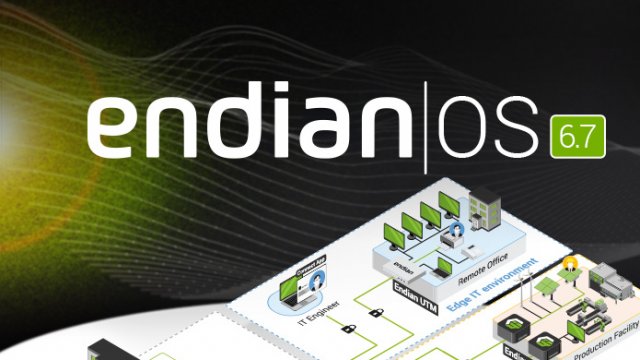
Unlock the potential of your digital journey with EndianOS, the robust operating system designed to meet the challenges of IT and OT convergence in the digital age.

The Endian 4i Edge XL provides maximum connectivity, micro-segmentation and cybersecurity for industrial environments. Powerful edge computing (with Docker) supports the deployment of custom applications and future-proofs your industrial network.